This template is a single‑page Astro portfolio that doubles as its own CMS.
There's no separate backend service: one Cloudflare Worker renders the site
with Astro and runs a teenybase API/admin at
/api/*, sharing one D1 database and one R2 bucket. Everything you see is edited
from /admin — no code, no redeploys.
This post is a tour. (It's running on the live demo, so the screenshots are the real thing.)
The site
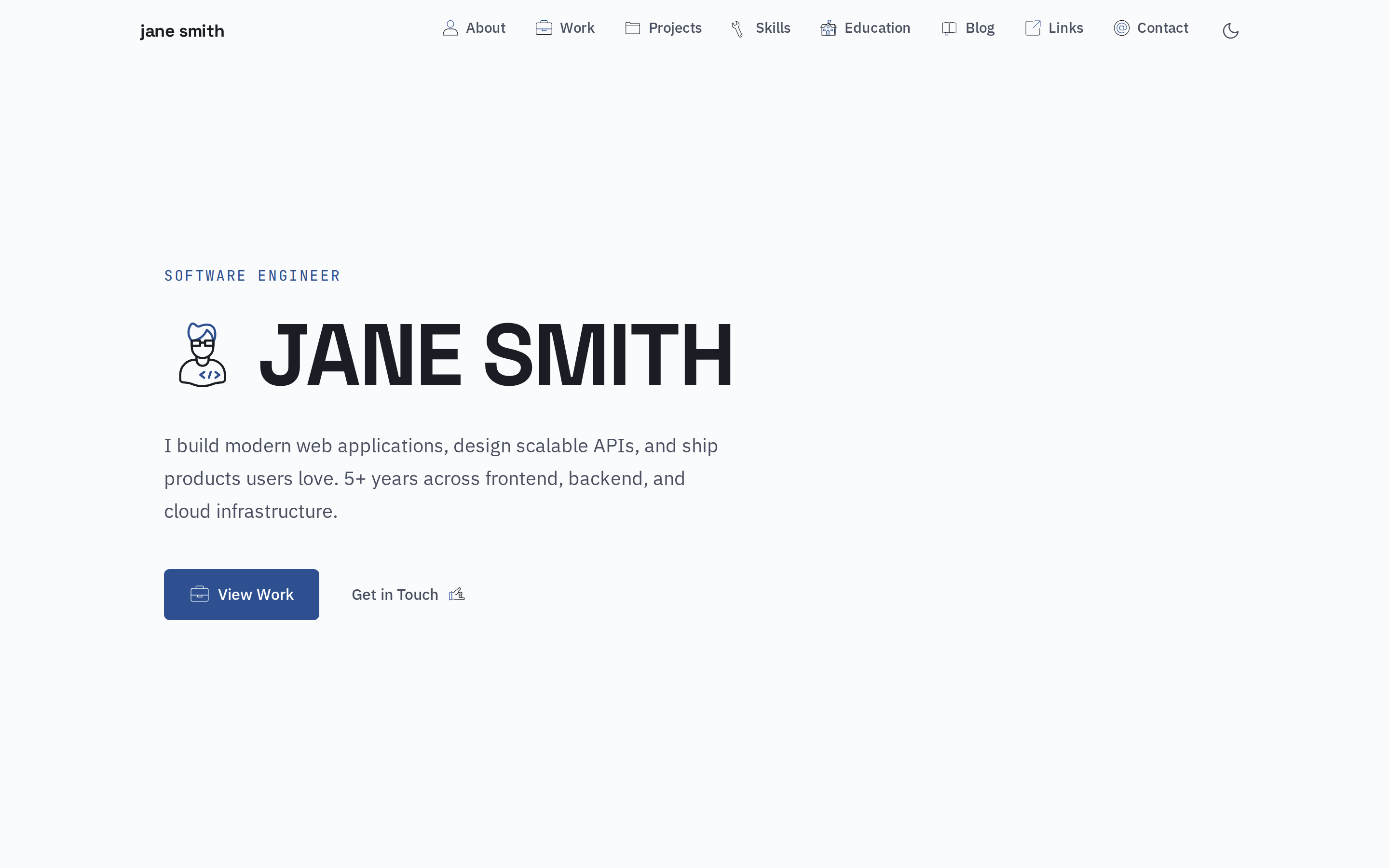
The public site is a classic one‑page portfolio: hero, about, experience, projects, skills, education, contact — plus teasers for the blog and links feeds. It ships with light and dark modes that follow the system preference, with a manual toggle in the nav.
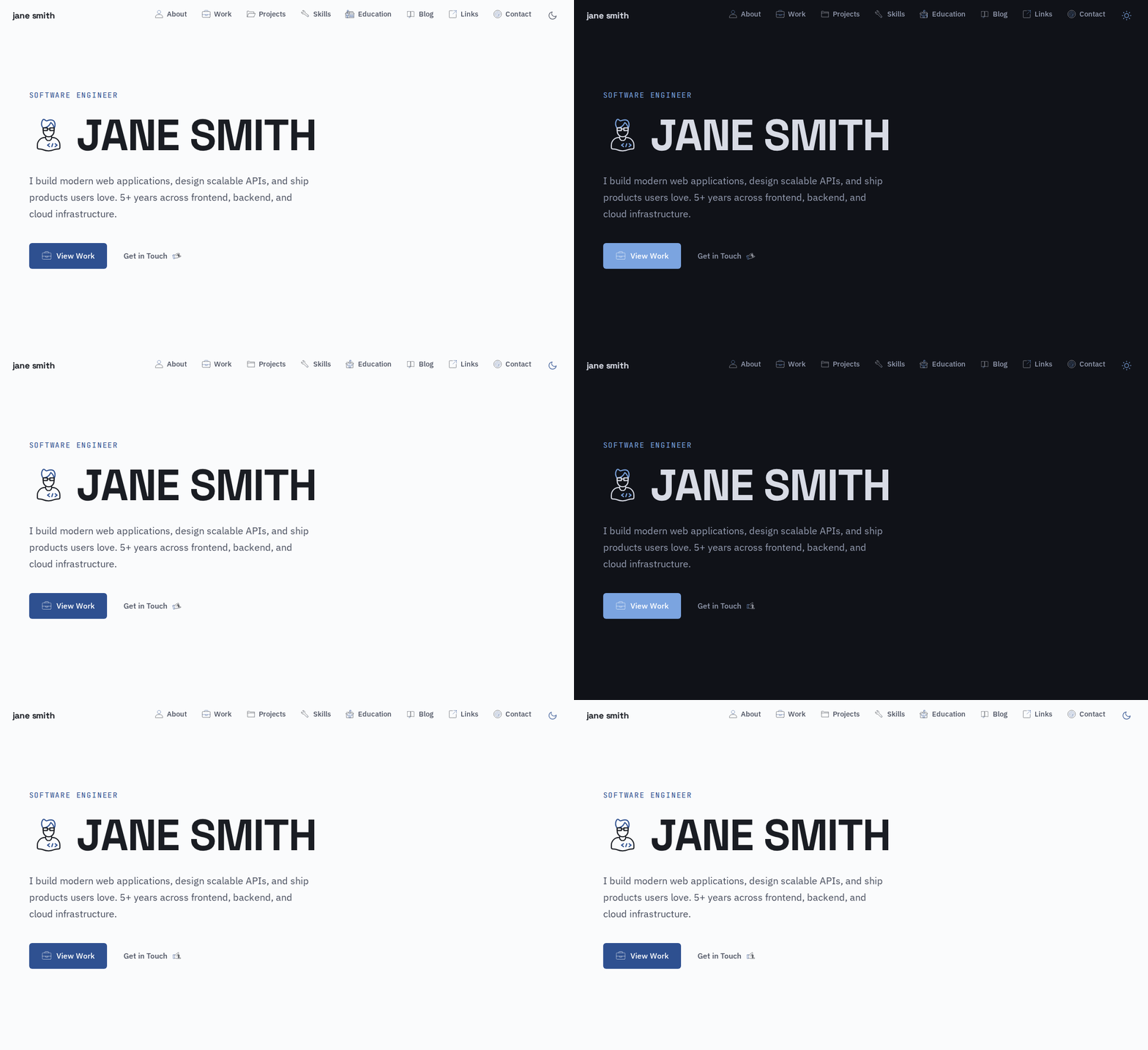
Light and dark modes follow the system preference, with a manual toggle in the nav:
On the demo, a banner across the bottom shares the admin credentials so you can sign in and try it. (That banner — and the daily database reset behind it — only appears when the site is built in demo mode; a normal clone ships neither.)
Signing in
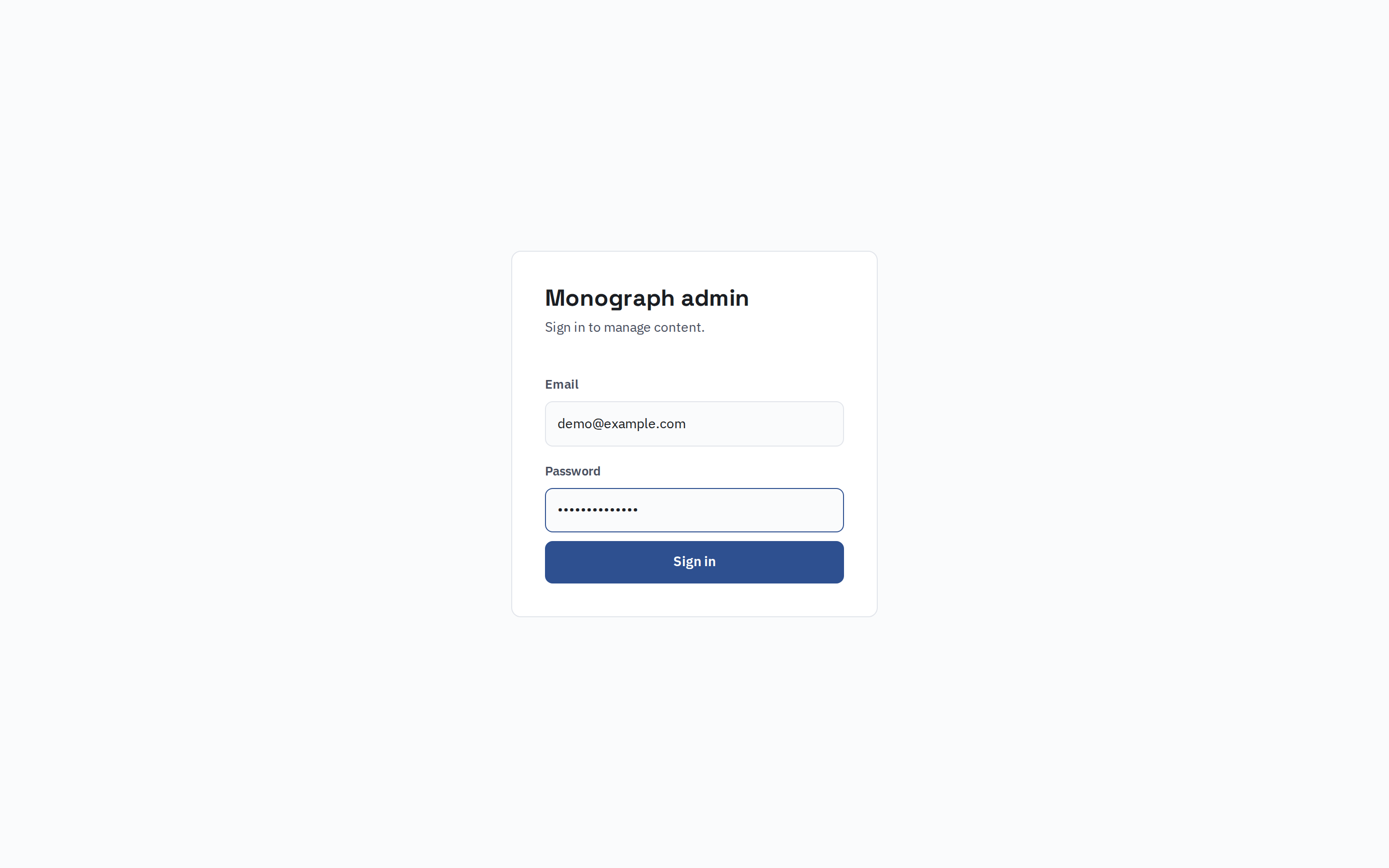
The admin lives at /admin. It's a small client‑rendered app that talks to the
teenybase API on the same origin, so auth is just a JWT in the browser.
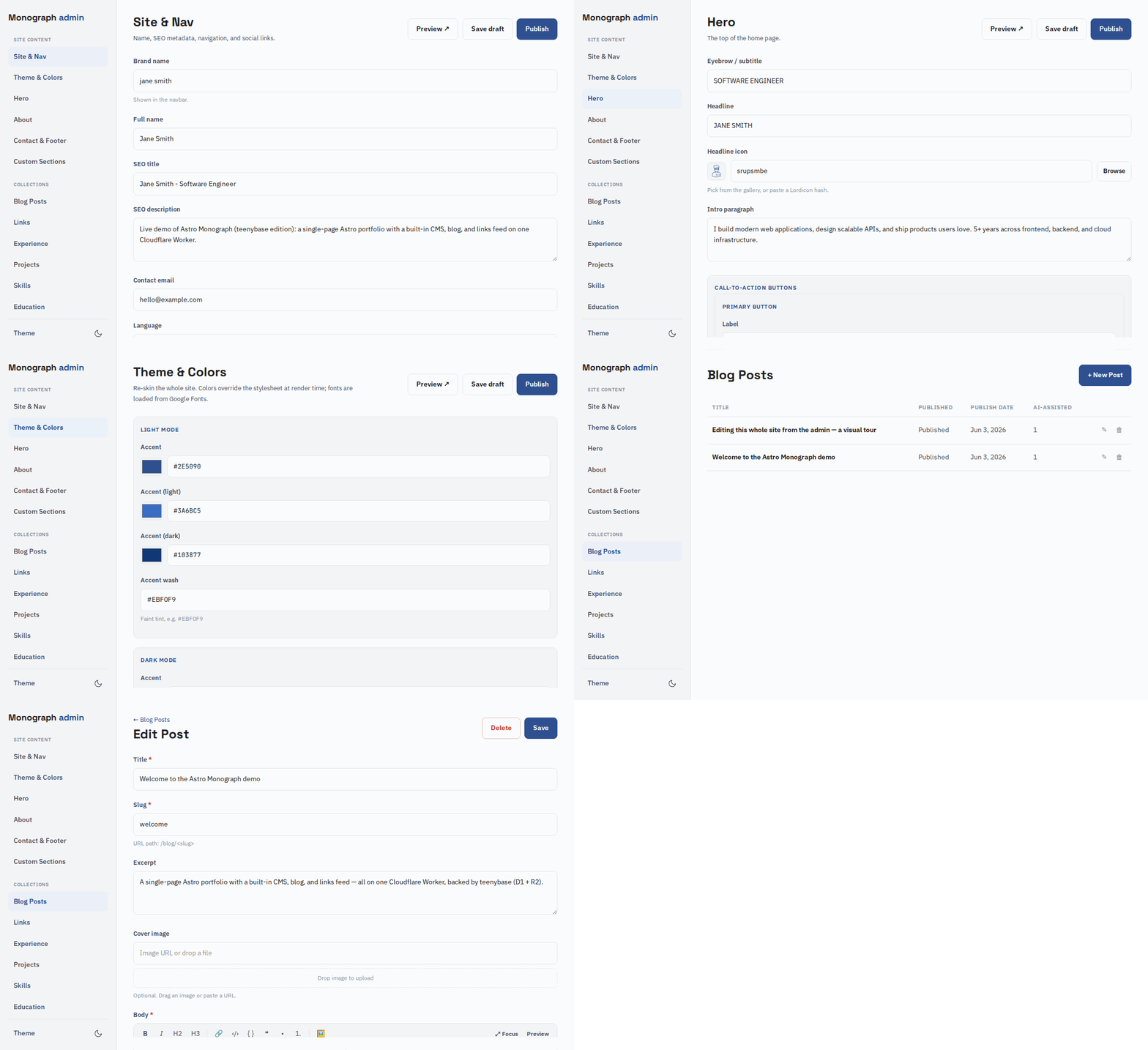
Once you're in, every editable region of the site is in the left sidebar — grouped into single Site content sections and repeatable Collections.
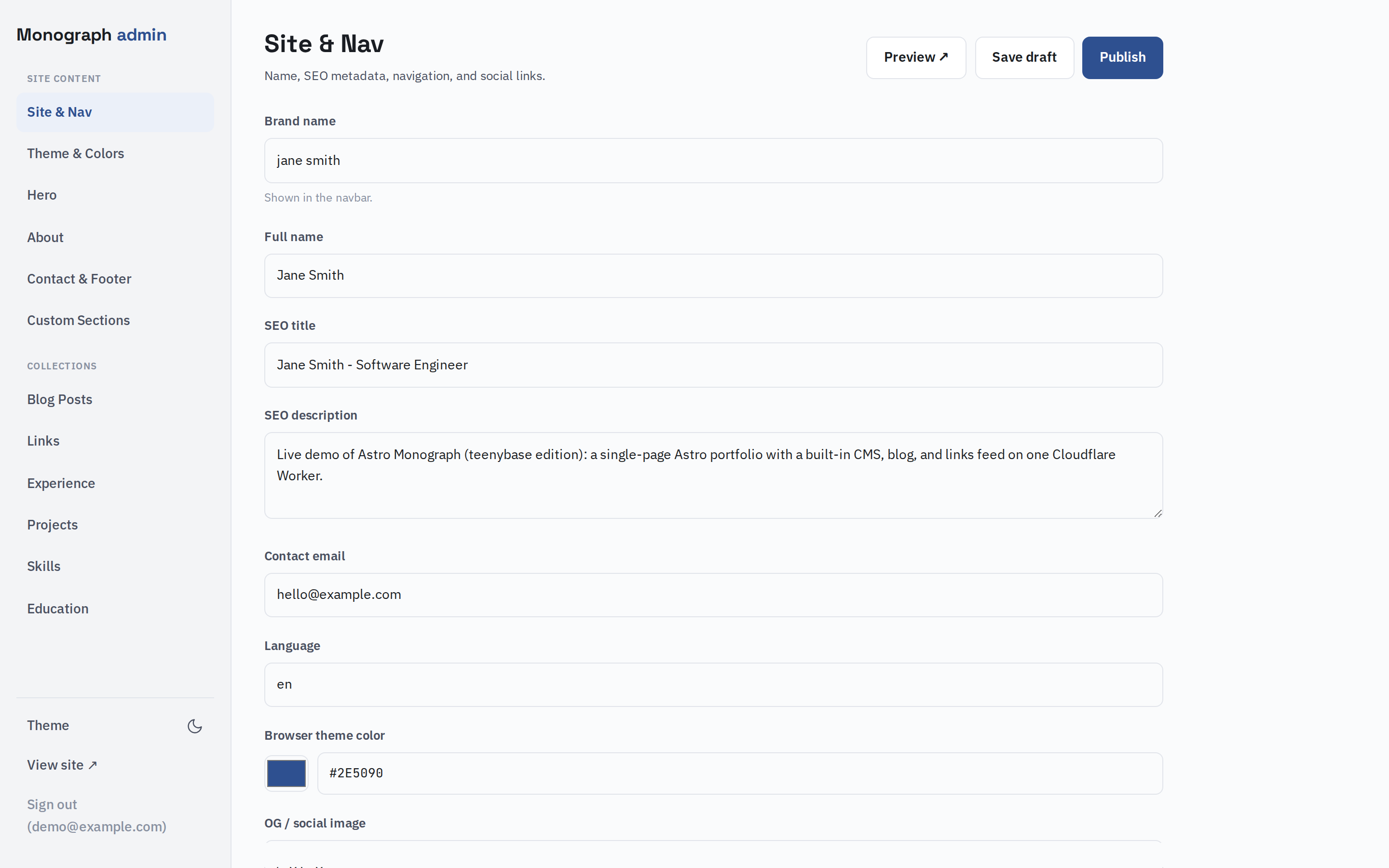
Navigating the CMS — each section and collection is a form in the main panel:
Editing content
Each section is a form. Edit the hero's name, tagline, description and call‑to‑ action buttons; rewrite the about paragraphs; reorder projects; toggle whole sections on or off. Icons are picked from a built‑in gallery, and list fields (projects, skills, experience…) are drag‑to‑reorder cards.
Colors and fonts
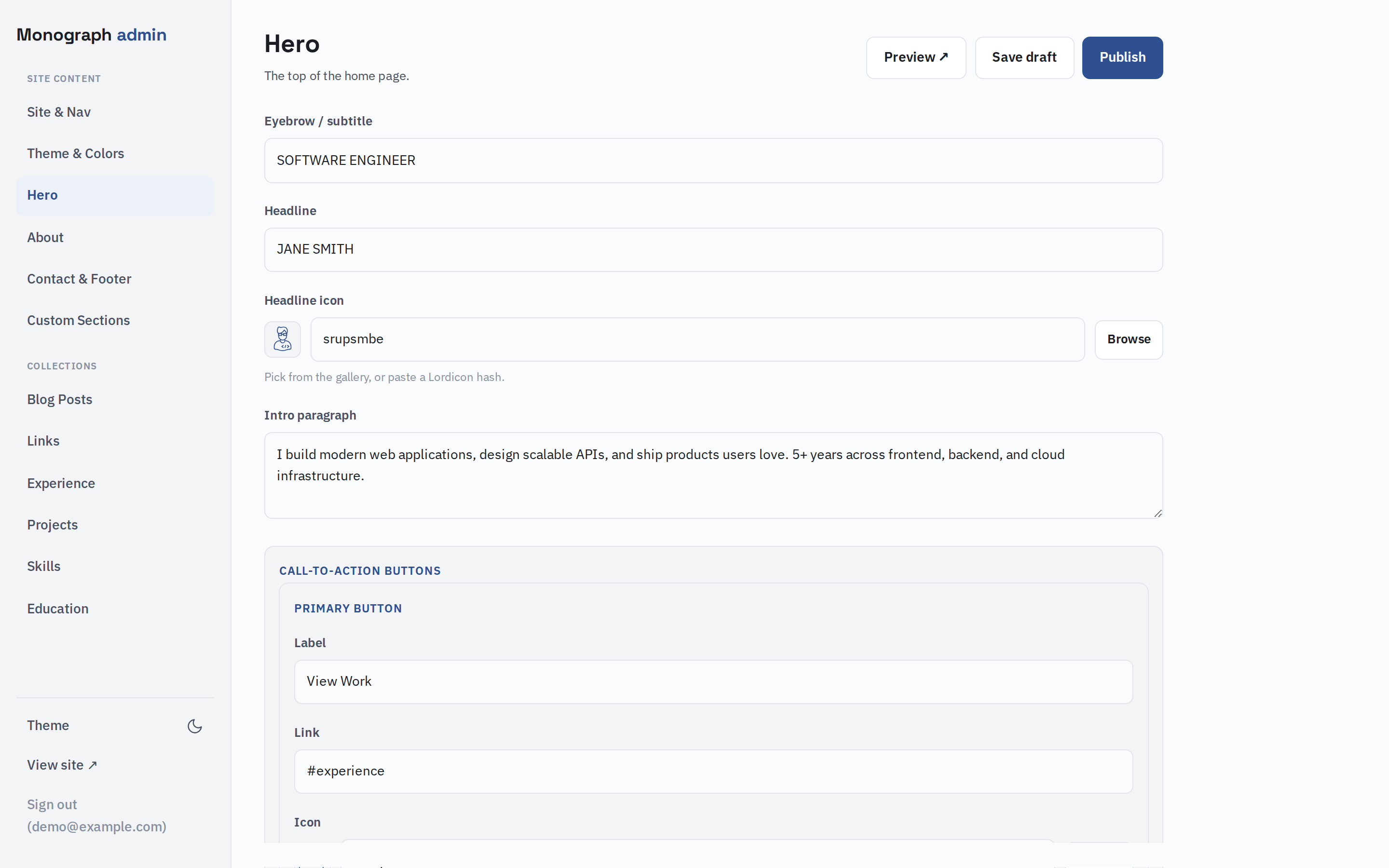
The whole site is re‑skinnable without touching CSS. The Theme & Colors editor exposes the accent palette for light and dark mode and the three font families; values are injected as CSS variables at render time, so a change here recolors the entire site.
Drafts, preview, publish
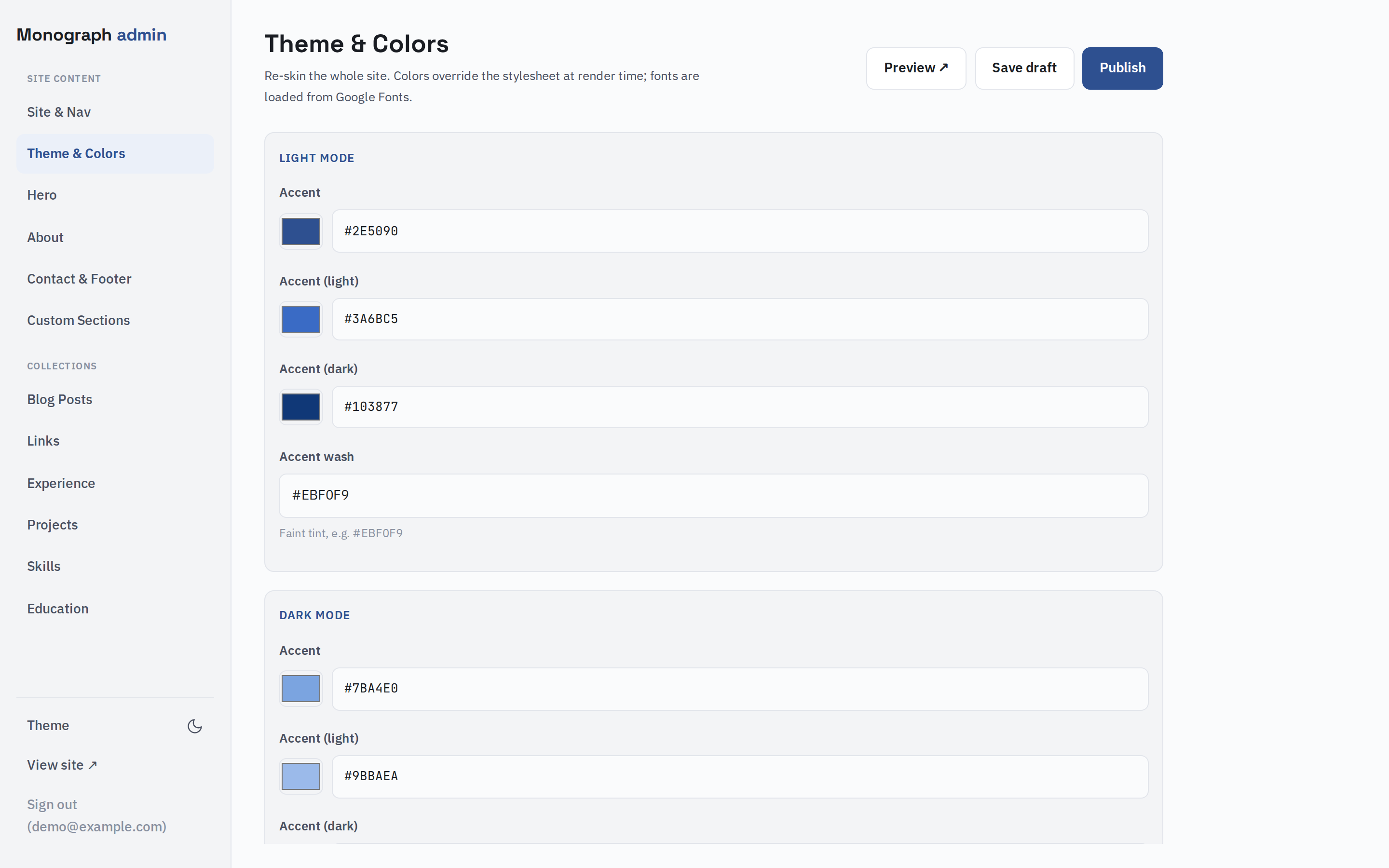
Every edit saves as a draft. Hit Preview to see the unpublished version of the live site (a signed cookie flips rendering to the draft snapshot), then Publish to copy the draft over the published version. The public site only ever reads the published column straight from D1 during render, so drafts never leak.
A blog and a links feed
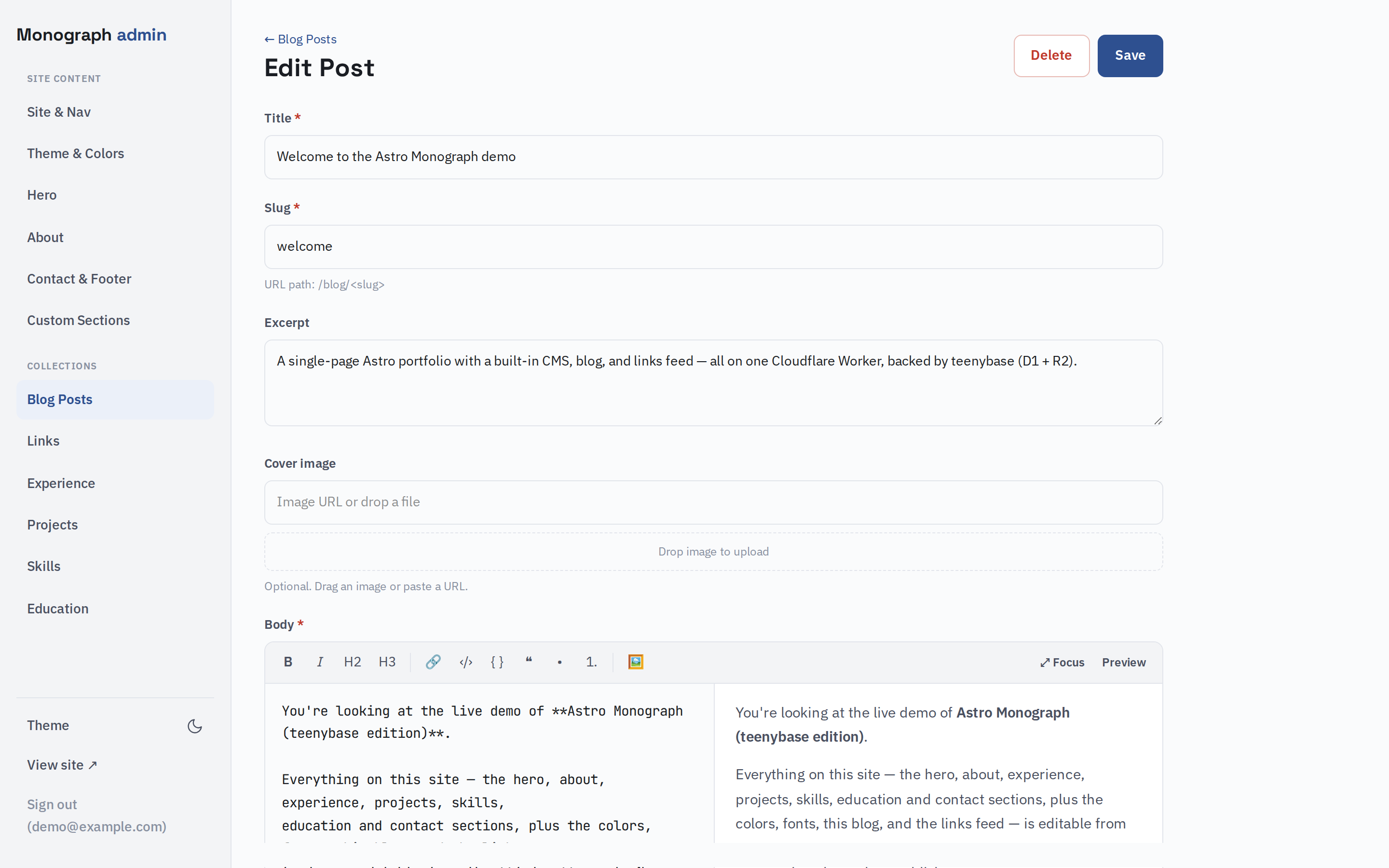
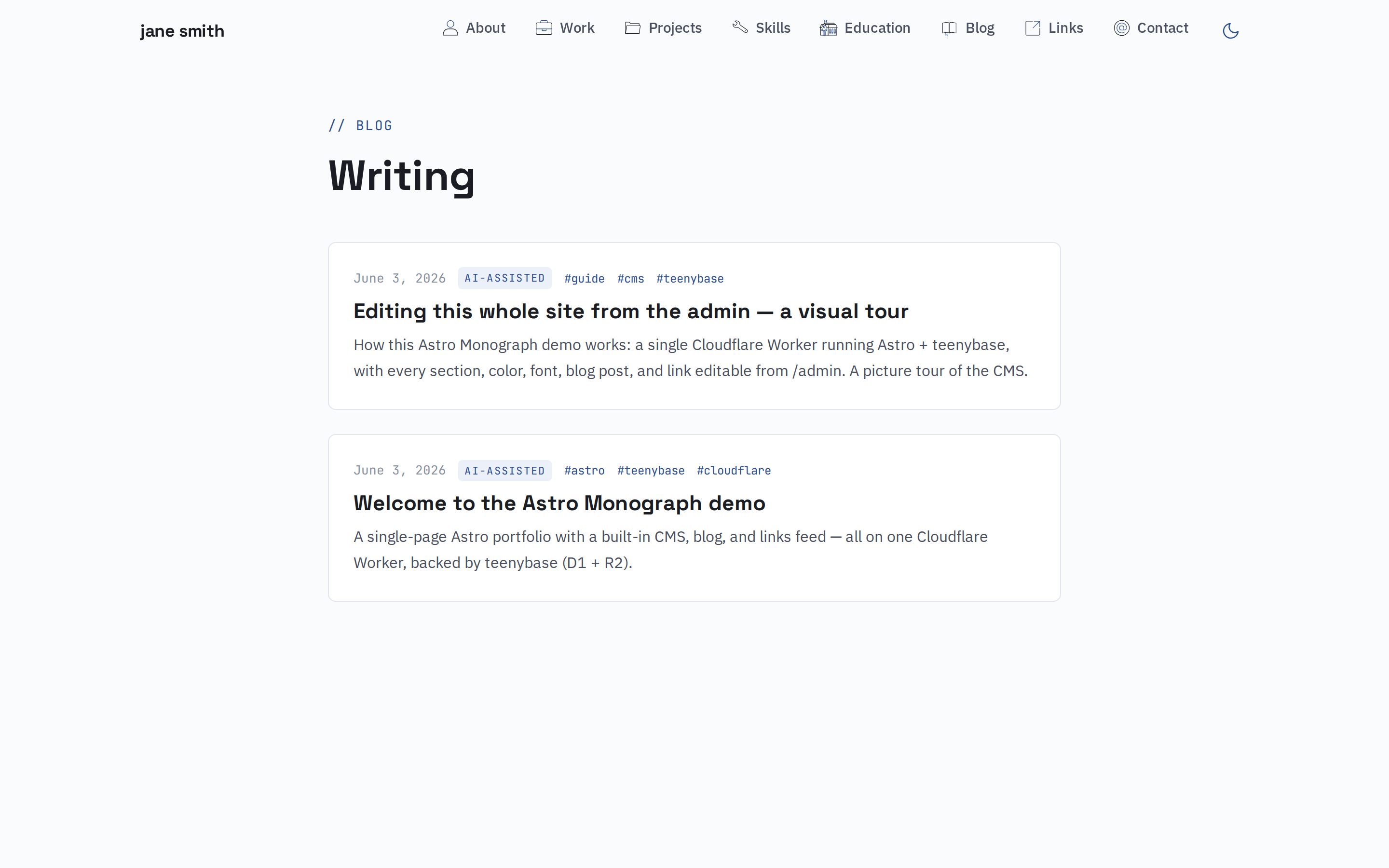
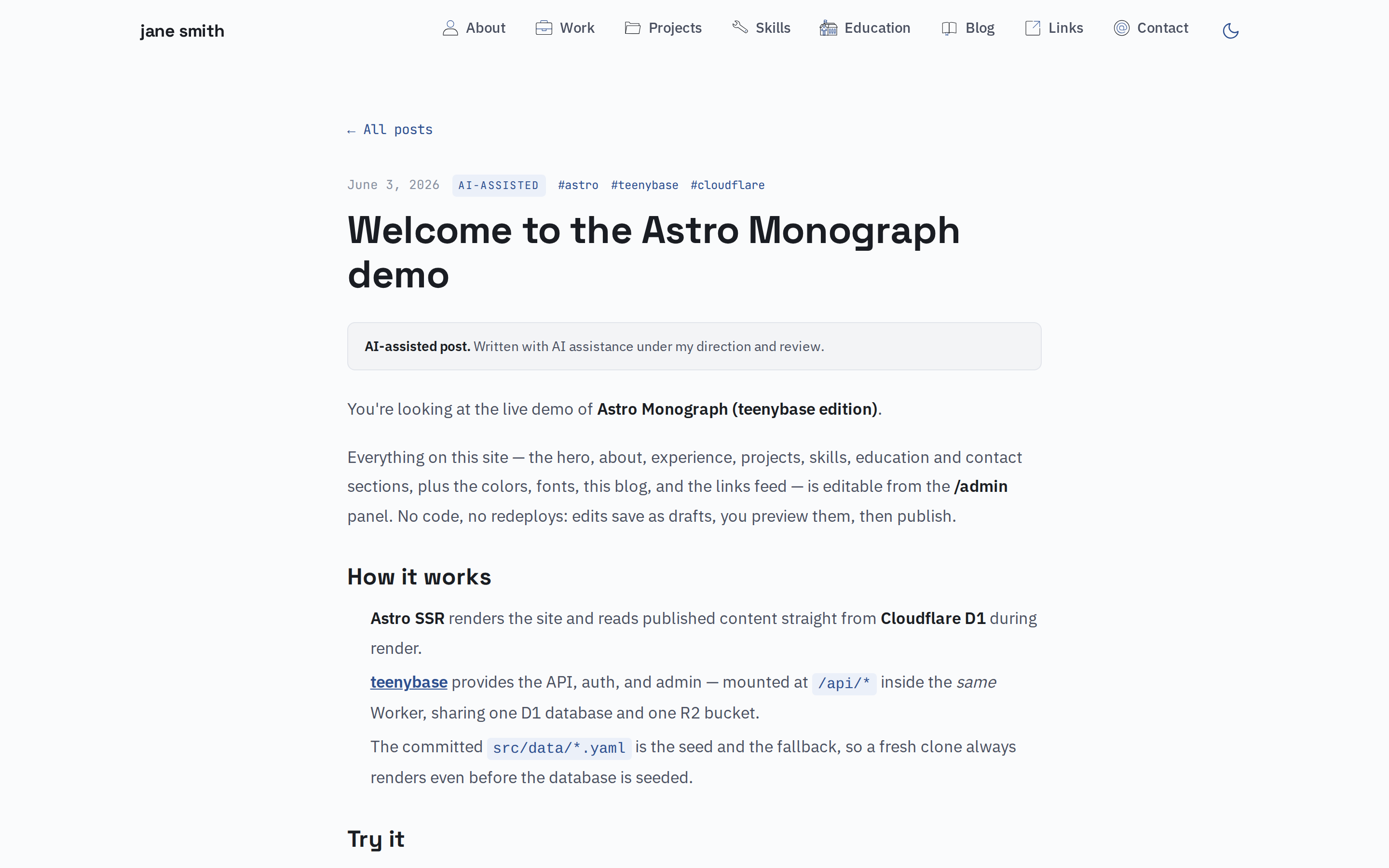
There's a Markdown blog at /blog and a links feed at /links, both managed as
collections in the admin. The blog editor is a split Markdown/preview pane with a
toolbar — and a Focus button that expands it to a full‑screen writing view.
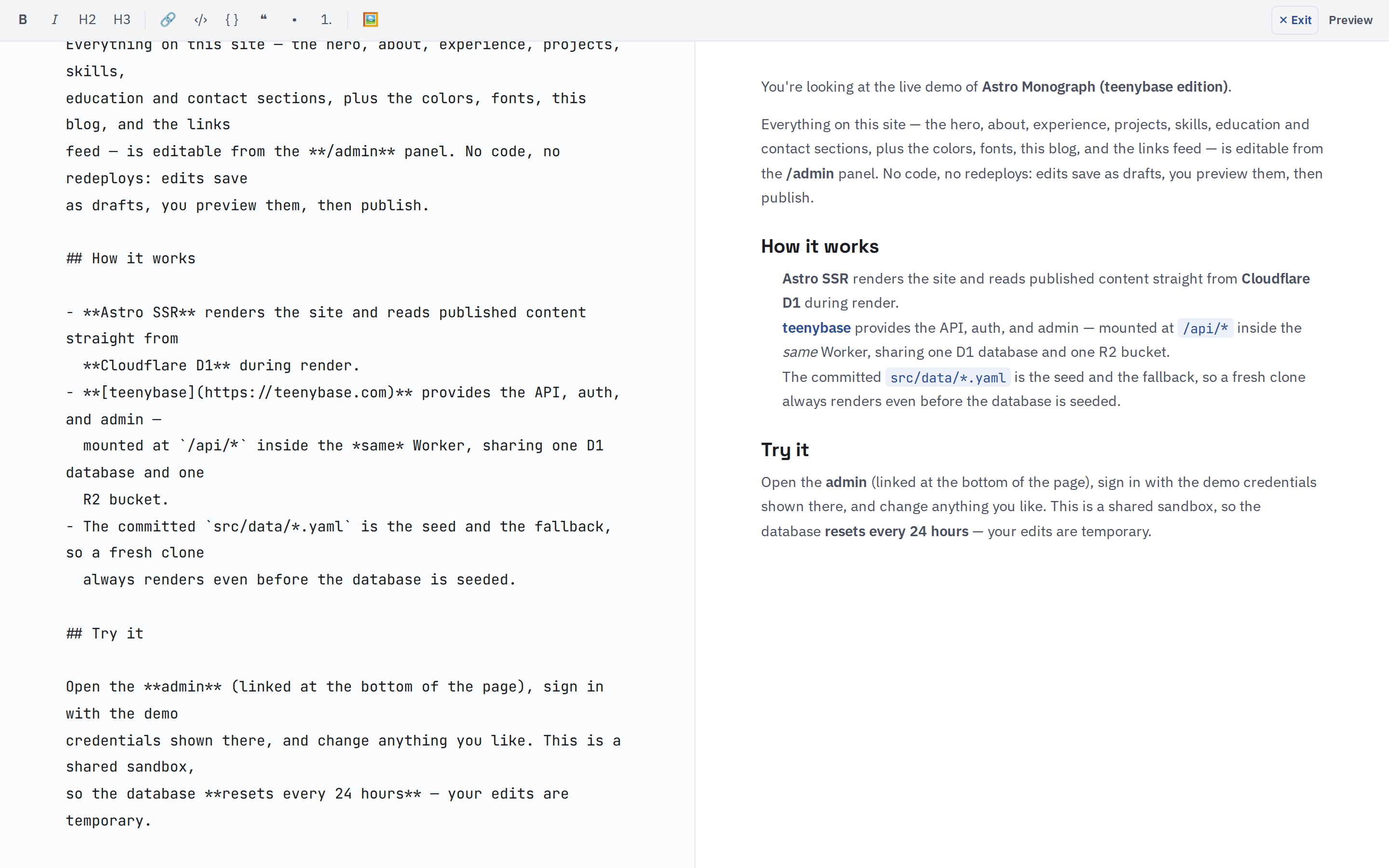
The home page teases the latest of each, and both have full pages with RSS
(/rss.xml, /links.xml).
How it's built
- Astro SSR renders each page and reads the published content for every section directly from Cloudflare D1 — no HTTP round‑trip.
- teenybase provides the REST API, JWT auth with row‑level rules, R2 uploads,
and the admin, mounted at
/api/*inside the same Worker. - The committed
src/data/*.yamlis the seed and the fallback, so a fresh clone always renders even before the database has anything in it.
Run your own
You need a free Cloudflare account and Node 18+:
git clone https://github.com/theserverlessdev/astro-monograph-teenybase
cd astro-monograph-teenybase
npm install
npx wrangler login
npm run setup
npm run setup provisions D1 + R2, applies migrations, sets secrets, deploys,
creates your admin user, and seeds the content — then prints your live URL and
login. Open /admin and make it yours.